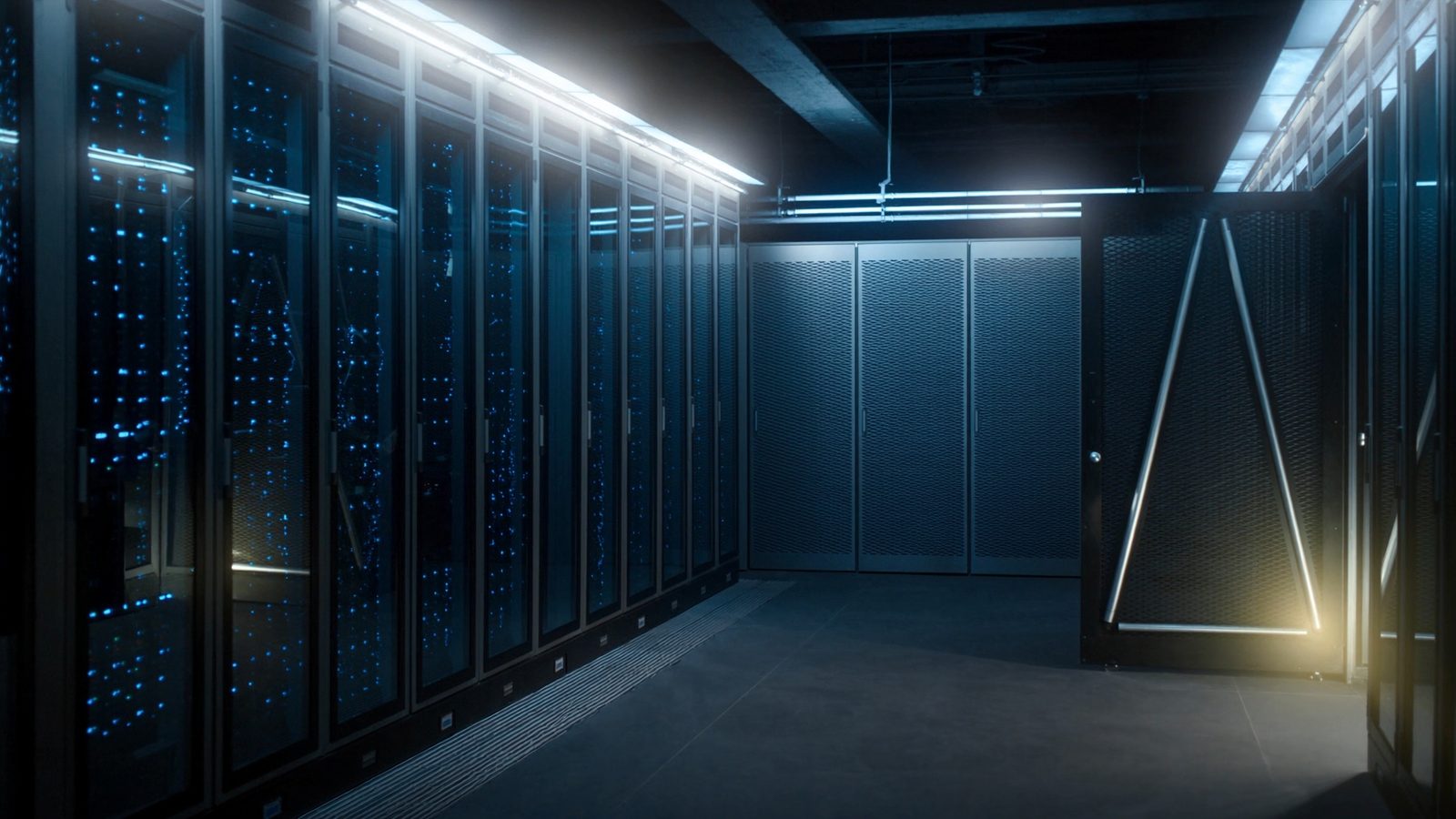

A virtual desktop means your staff log in and see their desktop, files, and programs through a browser or app, but everything runs in a data centre somewhere else. The computer in front of them becomes a window into a machine that lives in the cloud. This setup has been around for a while, but it got a lot more practical during the pandemic. If you're deciding whether to buy new computers, replace aging machines, or support staff working from home on their own devices, it's worth looking at.
When it saves money, when it doesn't
The financial case depends on what you're comparing it to. If you were about to buy twenty new desktop computers and three-year warranties, paying monthly for virtual desktops can cost less overall. You skip the upfront hardware purchase, and you only pay for what you actually use each month.
It also helps if your team size changes throughout the year. Seasonal work, contract staff, or projects that need extra hands for a few months all suit this model. You can add desktops in October and remove them in January without owning hardware that sits idle the rest of the year.
Where it doesn't save money is when you already own capable machines and your team is stable. Replacing computers that work fine just to move to the cloud will cost more, not less. The value shows up when you need to make a decision anyway.
Letting staff use their own laptops and phones
Bring your own device policies are easier to support when the actual work happens somewhere else. Your data stays in the data centre, not on a personal laptop. If someone's device is lost or stolen, you disconnect it from the service. The files and programs stay safe because they were never on that machine to begin with.
This matters most if you have staff who travel, work from home some days, or want to use their own equipment. It also matters if you're in an industry where client information or financial records need careful handling. A virtual desktop gives you more control over who sees what, even when people aren't in your office.
Getting more time out of older machines
If you have computers that are too slow to run a current operating system but still turn on and connect to the internet, you can run a newer system from the cloud instead. The old machine just needs enough power to show you what's happening remotely. This buys time if you don't have budget to replace everything at once.
It's not a permanent fix. Eventually the hardware will fail. But it can bridge a year or two while you plan replacements in stages instead of all at once.
What this looks like in practice
Two versions are common. A persistent desktop is like having your own computer in the cloud. You log in and see the same desktop every time, with your shortcuts, settings, and files exactly where you left them. This costs more per person and suits people who install their own tools or need administrator access, like developers or IT staff.
A nonpersistent desktop is cheaper. Anyone can log into any virtual machine and their personal settings follow them, but the underlying system resets after they log out. This works well for office staff, customer service teams, or anyone doing task-based work where the software and files are the same for everyone.
Call centres, accounting firms with seasonal tax prep staff, and businesses that bring on contractors for a few months all fit this model. So do companies that want their partners or vendors to access specific files or programs without putting that data on someone else's device.
What to think about if you're considering it
Internet reliability matters more with virtual desktops than with local machines. If your connection goes down, your team can't work. A backup internet line or a plan for outages becomes more important.
Setup and ongoing management still need attention. Someone has to configure user access, install software, apply updates, and handle backups. Many businesses outsource this to a provider who manages the virtual desktops along with the rest of their IT. That shifts the work but adds a monthly cost.
The honest assessment for most small and mid-sized Ontario businesses is this: if you're buying new hardware soon, adding staff, or supporting remote work, virtual desktops are worth quoting alongside traditional computers. If your current setup works and your team is stable, there's no urgent reason to change. The technology is proven and practical now, but it's a tool for a specific set of circumstances, not a replacement for every computer in every business.