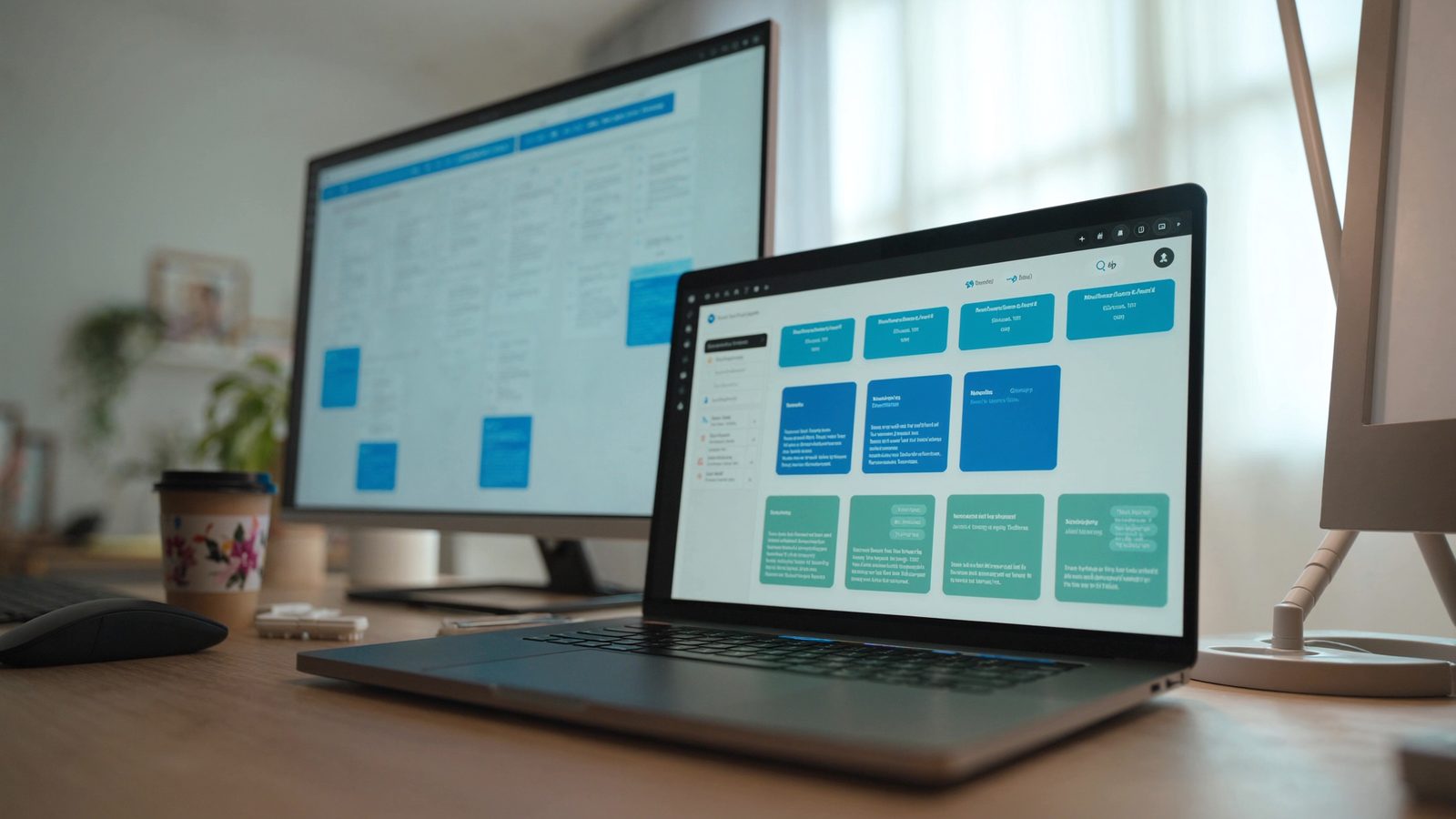

Microsoft announced three updates to Copilot in the last few months. The biggest one is Cowork, which became generally available in June 2026. Instead of answering one question at a time, it can now pull information from multiple apps, act on your behalf across Microsoft 365, and complete tasks that used to take several steps. If you use Microsoft 365 and have been waiting to see whether AI tools can do real work for your team, this is the moment to pay attention.
What Copilot Cowork actually does
Cowork connects to the apps your team already uses. Email, calendar, files, Teams chats, SharePoint sites. When you ask it to do something, it pulls what it needs from those places and acts on it.
For example, you can ask Cowork to review a contract stored in SharePoint, summarise the key points, draft a response email, and schedule a meeting with the relevant people. It does all of that in one conversation. You don't switch between apps or copy information manually.
You can also build custom tasks inside Cowork using Copilot Studio. If your team does the same steps every week, like gathering data from three different files and creating a summary report, you can teach Cowork to do it. That's where the time savings show up for most businesses.
Whether this matters for a business your size
If you have a small team, every hour spent on repetitive admin work is an hour not spent on clients or sales or operations. Cowork doesn't replace people. It handles the boring parts so your people can do the work that actually requires judgement.
The businesses that benefit most are the ones where staff spend time each day doing the same routine tasks. Updating spreadsheets. Chasing down information in email threads. Pulling reports together from multiple sources. Creating meeting summaries. Following up with clients after intake calls.
Cowork is most useful when you can describe the task clearly enough that you could hand it to a new employee and they'd know what to do. If the task is predictable, Cowork can learn it.
What it costs and who needs it
Cowork is included in Microsoft 365 Copilot licences. If you're already paying for Copilot, you have access. If you're not, the question is whether the time it saves justifies the subscription cost per user.
You don't need to licence every person in the business. Start with the roles that do the most repetitive multi-step work. Office managers, client coordinators, project admins, accounting staff. Those are the people who will see the difference first.
Most small businesses should test it with two or three users before rolling it out. Pick people who are comfortable trying new tools and willing to give honest feedback. If they save two hours a week each, the licence pays for itself.
What to do on Monday
If you already use Microsoft 365, check whether you have Copilot licences. If you do, Cowork is available now. Ask your IT provider to turn it on for a pilot group.
If you don't have Copilot yet, make a list of the tasks your team does every day that follow the same pattern. Data entry, reporting, document review, client intake follow-ups. Those are the tasks Cowork can take over.
Then talk to your IT provider about a trial. The cost only makes sense if the tool actually gets used, and that depends on whether your team has predictable tasks that take time away from their real work.
When it's not worth worrying about
If your team doesn't work in Microsoft 365, Cowork won't help. It's built for the Microsoft ecosystem and doesn't connect to other platforms in the same way.
If most of your work is one-off projects or custom client requests that change every time, AI automation has less to offer. Cowork handles repeatable tasks well. It doesn't replace the kind of thinking that changes case by case.
And if your business is running fine and no one complains about admin work eating up their day, there's no urgency here. This is a tool for businesses where routine tasks are a visible time drain, not a must-have for everyone.